

Published November 1, 2025 · 4 min read · Updated September 27, 2026
Downsizing or Closing Your Facility? How to Handle IT, Batteries and Data
An office move, closure or consolidation leaves behind computers, servers, copiers and batteries. Here is how to clear them out on schedule, protect the data on them and keep the paperwork you will need later.

Office closures and consolidations usually run on a fixed date: the lease ends, the keys go back, and whatever is still in the building becomes a problem. Electronics are the part that causes the most trouble. Computers, servers, copiers and phones can still hold company and customer data, batteries cannot go in a dumpster, and a rushed cleanout tends to send the wrong things to the trash while paying several vendors to haul the rest.
Modern Waste Solutions has recycled electronics and destroyed data for California organizations since 1999 from its Sacramento facility. This guide covers an office closure's e-waste and data work in the order it has to happen: inventory, data, batteries, removal and records.
Start with a list, weeks before move-out if you can. Walk every room, closet and server rack and record what is leaving: desktops, laptops, monitors, servers, network gear, printers and copiers, phones, UPS units and loose batteries. Note which items are leased, because leased copiers and carrier equipment usually go back to the owner, and which ones sit under a legal hold or records requirement.
Then give each item a route:
| Item | Usual route | Watch for |
|---|---|---|
| Newer laptops, desktops, monitors | Move to another site, redeploy, or evaluate for resale | Data must be wiped or drives removed first |
| Servers, storage and network gear | Decommission, then reuse or recycle | Drives, configurations and stored credentials |
| Copiers and printers you own | Recycle | Many have internal hard drives |
| Batteries and UPS units | Separate battery collection | Never in the trash; tape terminals on loose cells |
| Everything else electronic | Electronics recycling | Keep it out of general debris bins |
Keep electronics apart from furniture and general debris from the first day; they follow different routes.
Closures are a common way for data to leave a building unnoticed. Drives get pulled and boxed, a copier goes out with the landlord's trash, or a laptop disappears into someone's car. Deleting files or reformatting a drive does not destroy the data on it.
Decide for each group of devices whether the data will be sanitized so the hardware can be reused, or whether the storage will be physically destroyed. Our secure data destruction service covers both, and on-site hard drive shredding lets your staff watch drives destroyed at your location before anything leaves. If the project also includes confidential paper records, add them to the same scope so one vendor accounts for all of it.
Until pickup day, keep data-bearing equipment in a locked room and hold the count steady.
California does not allow batteries in the trash, including ordinary alkaline cells. A closing office usually turns up drawers of loose batteries, laptop packs, UPS batteries in the server room, and sometimes emergency lighting or alarm batteries. Collect them in one labeled, non-conductive container, tape the terminals on loose lithium cells, and set aside anything swollen or damaged. Fluorescent lamps and ballasts from a build-out also need their own route. Battery recycling can be picked up in the same trip as the electronics.
A closure can easily involve a hauler, a shredding company, an e-waste recycler, a scrap buyer and extra labor, each with its own schedule and paperwork. Before you hire, ask each candidate:
- Can you collect electronics, batteries and data-bearing media in one pickup?
- Can you wipe or shred hard drives, and give us a record for each one?
- Can you do the loading and removal, including server racks?
- Will equipment with resale value be evaluated before it is recycled?
- What documents will we receive at the end, and when?
Retired IT with remaining value can offset part of the project cost through our IT asset disposition service. What cannot be reused goes to electronics recycling.
Once the office is empty, the paperwork is the only proof of what happened to the equipment. Keep the pickup ticket or chain-of-custody record, the certificate of recycling, and a certificate of data destruction that lists the drives or devices by serial number where you need that level of detail. Store them with the closure file; auditors, clients and insurers ask for them months later. Our guide to certificates of data destruction explains what a useful certificate contains.
How far ahead should we schedule an office cleanout?
Book it as soon as the move-out date is fixed. Sending the equipment list early lets us plan containers, labor and data destruction around your last day instead of squeezing everything into it.
Can we sell our old computers instead of recycling them?
Often, yes, if the equipment is recent and working. Wipe or remove the drives first and keep a record of how the data was handled.
A closure goes smoothly when the electronics, batteries and data are planned together and handled by one accountable team. Send us your equipment list and move-out date and request a quote, or call (916) 339-3676.
- U.S. EPA: Electronics Donation and Recycling: epa.gov/recycle/electronics-donation-and-recycling
- CalRecycle: Electronic Waste Management: calrecycle.ca.gov/electronics
- NIST SP 800-88, Guidelines for Media Sanitization: csrc.nist.gov/pubs/sp/800/88/r2/final
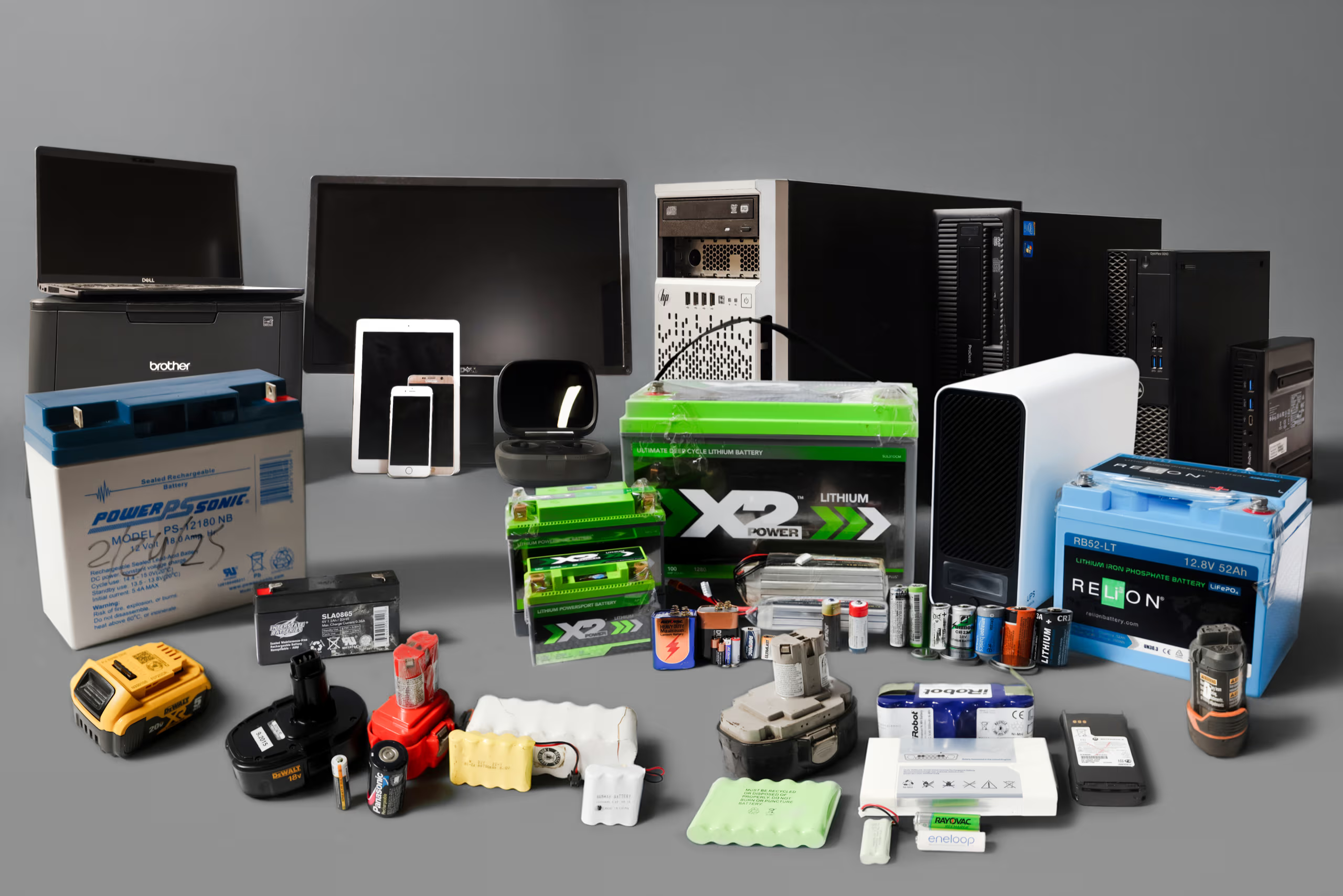

Simplify your compliance and disposal process with bundled recycling services that handle both electronic devices and batteries in one streamlined solution.

Our scheduled, route-based pickups cover all major regions of California—ensuring efficient, on-time service no matter where you operate.
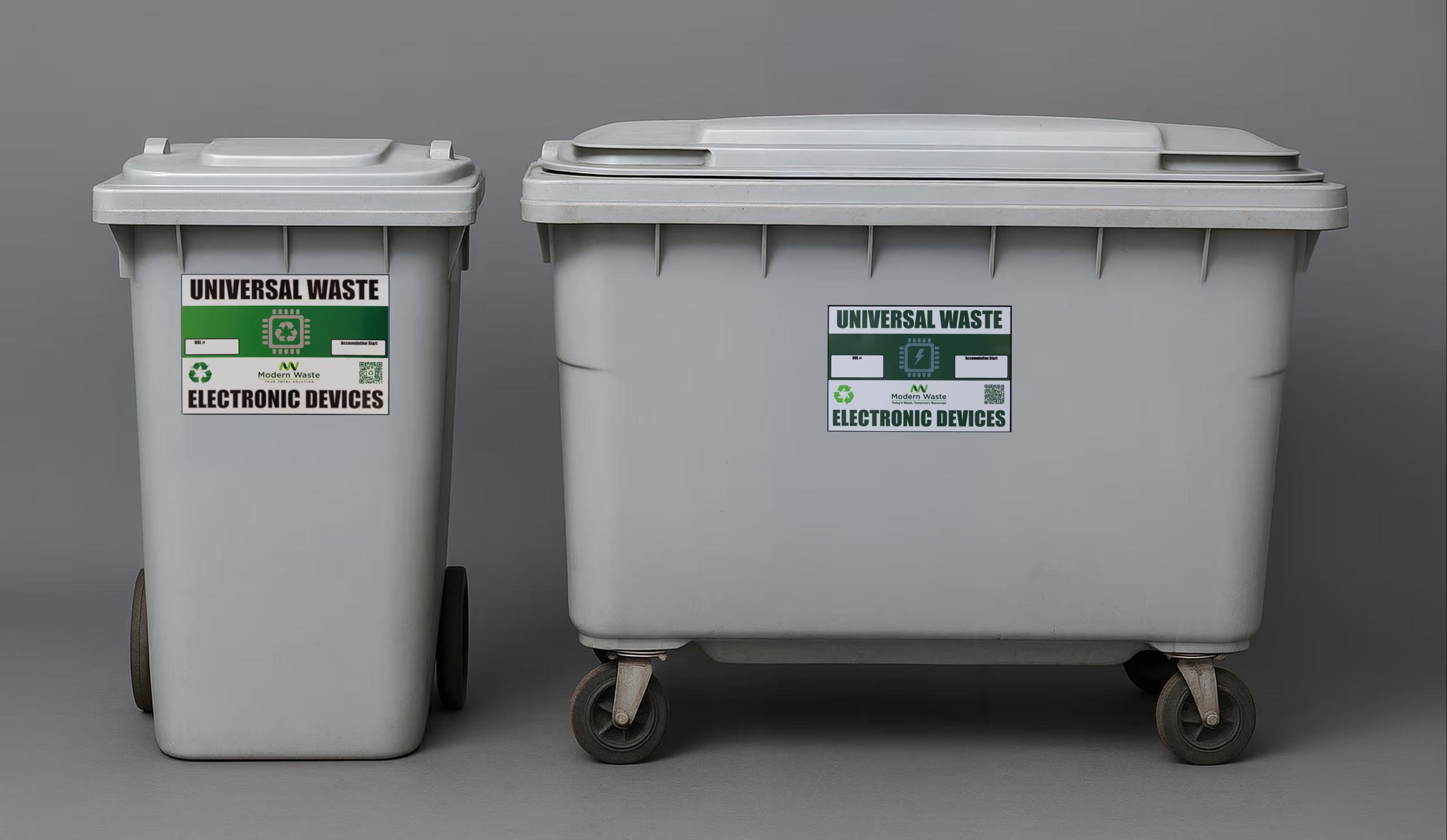
We provide clearly labeled, tamper-resistant containers to ensure safe and compliant collection of electronic waste and batteries at your location.

Modern Waste Solutions has served businesses and communities across California with dependable, environmentally responsible recycling solutions for over two decades.
We adhere to all California and federal regulations, ensuring your electronic and battery waste is managed with complete transparency and environmental responsibility.


Reviews
A little bit off the beaten track in Natomas, but Modern Waste quickly and efficiently helped me recycle my broken Lithium Iron Phosphate batteries at a reasonable $/lb fee (Sac county e-waste will not accept these items). Ramiro and Vincent were very friendly and helpful.

Chris was awesome! He came in and picked up all of the e-waste we had ready for him. He was polite and professional throughout the entire process. He handled the equipment with care, including the site equipment that was already in place. I am very happy with his service and appreciate the great job he did.

Aaron and Vincent were awesome, excellent customer service!

Great guys, excellent customer service, highly recommend!

Polite, quick and easy.

Chris from modern waste was the most outstanding respectful person I ever met my life when he was done he offered to sweep the floors. He offered so much even though he was limited on time he went out of his way and he’s over beyond best guy I ever met thank you so much for your service services Dan ITG.

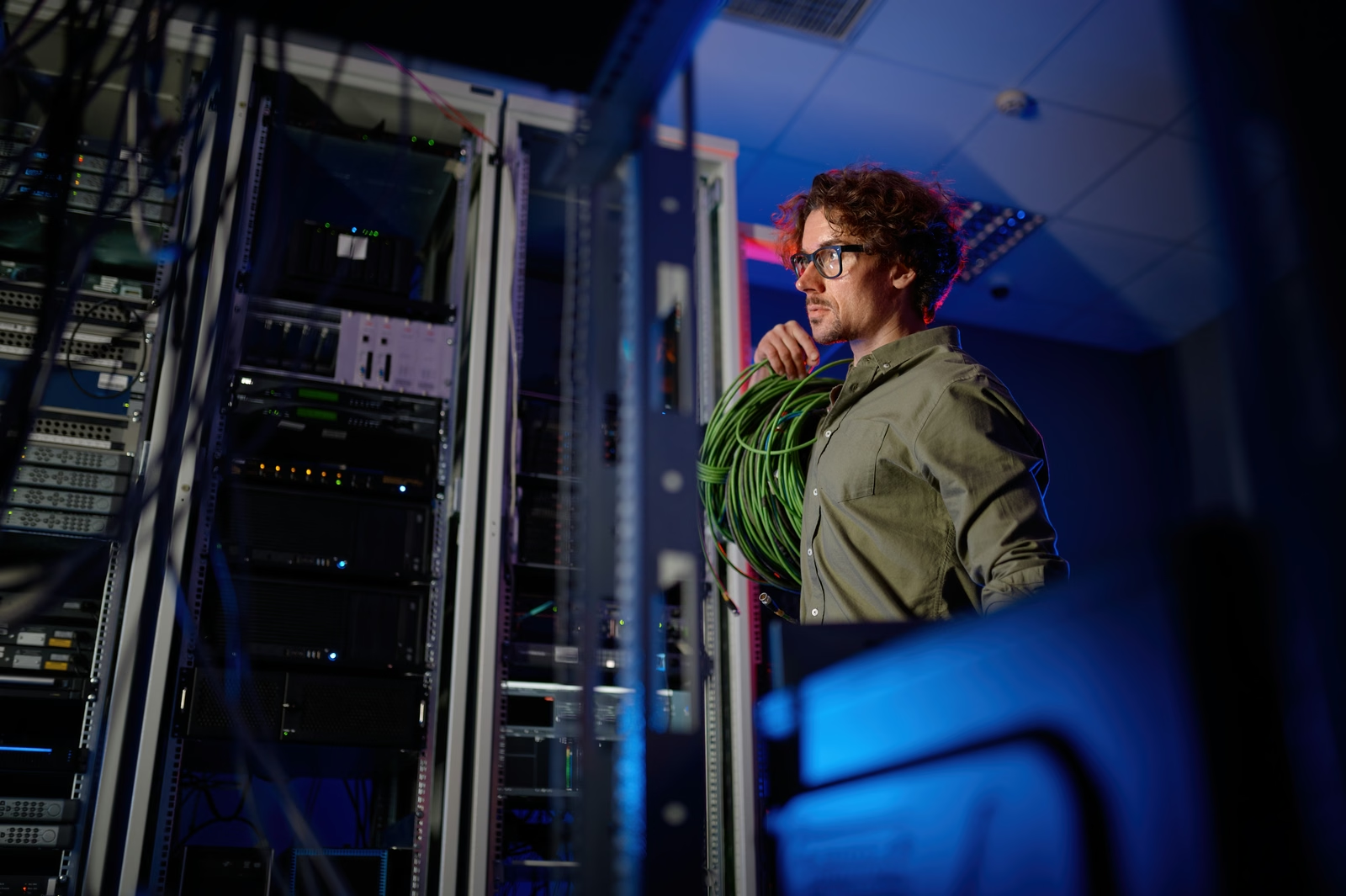
Data center decommissioning is a controlled change project that retires workloads, infrastructure, and records without interrupting systems that must remain live. Here is the full process, from go/no-go to final reconciliation.
A mature ITAD program connects asset ownership, data security, environmental compliance, logistics, financial recovery, and reconciliation. Here is how the process works, what it costs, and how to evaluate a provider.
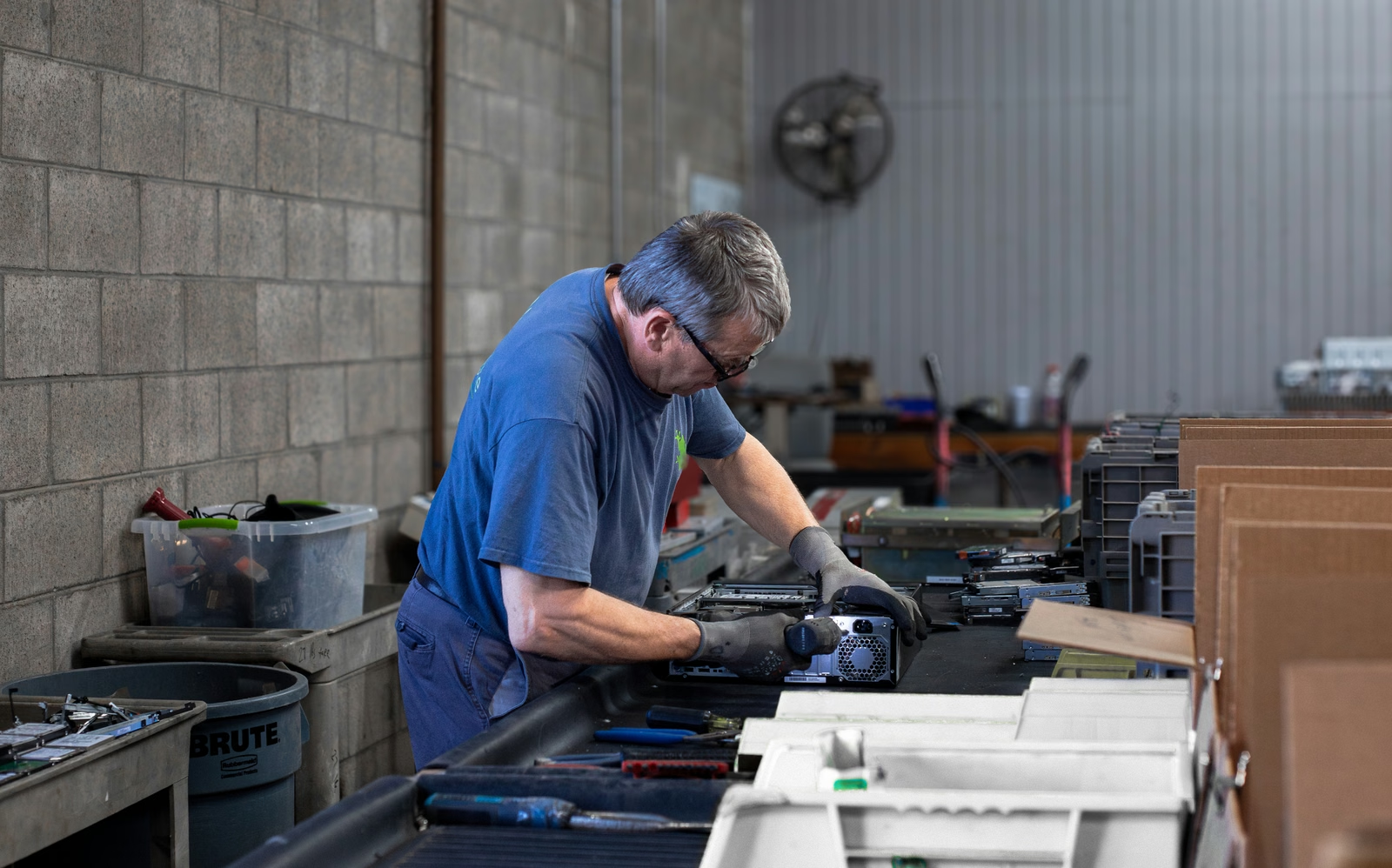
IT equipment liquidation converts marketable retired assets into documented financial recovery while routing nonmarketable equipment to responsible recycling. Here is how to decide which path fits each asset.