
Published February 19, 2025 · 5 min read · Updated September 27, 2026
Data Destruction for Dental Practices
Where patient data lives in a dental office, what HIPAA and California law expect when those devices are retired, and how to document data destruction so it holds up.
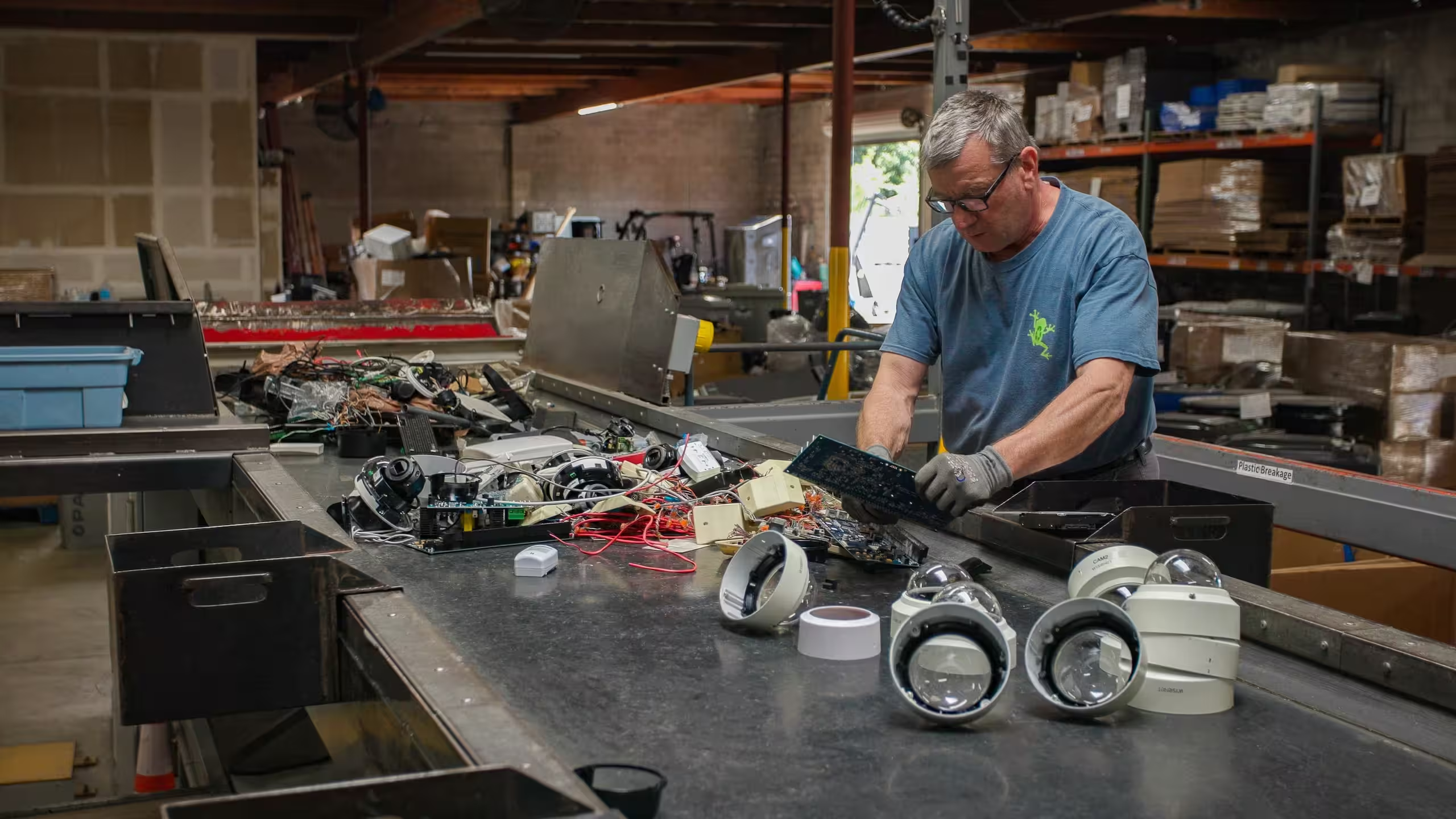
A dental office holds more patient data than its size suggests. Charts, treatment plans, insurance details and years of digital images sit on front-desk computers, operatory workstations, an imaging PC, a server in the back closet and the copier that scans insurance cards. When a practice upgrades its software, replaces its sensors or merges with another office, all of that hardware leaves the building. If the data leaves with it, the practice has a breach on its hands.
Modern Waste Solutions has operated since 1999 from its Sacramento facility and provides hard drive wiping, shredding and electronics recycling for medical and dental practices throughout California. This article covers where patient data lives in a dental practice, what federal and California law expect at disposal, and how to set up data destruction for dental practices that you can document.
Most offices think of the front-desk computers first. The full list is longer, and the devices that get missed are usually the ones that don't look like computers.
| Device | What it can hold | Often missed because |
|---|---|---|
| Front-desk and operatory workstations | Practice management data, schedules, cached images | Rarely missed, but often only "reset" |
| Practice management server or NAS | The whole patient database and backups | Sits in a closet and outlasts several refreshes |
| Digital imaging and intraoral camera workstations | Patient images and identifiers | Treated as clinical equipment instead of IT |
| External backup drives, USB sticks, old CDs and DVDs | Full or partial database backups | Stored in drawers or taken home |
| Multifunction printers and scanners | Scanned insurance cards, IDs and forms | Many have an internal drive |
| Tablets and phones for check-in or messaging | Forms, photos and patient messages | Handed down to staff or traded in |
Walk the office with this list before any refresh and tag every device that could have stored patient information. That inventory is the start of your disposal record.
HIPAA doesn't prescribe a single method, but it does set expectations. According to the HHS Office for Civil Rights:
- Covered entities need policies and procedures for the final disposition of electronic PHI and the hardware or media it is stored on, including how to remove ePHI before media is reused.
- For electronic media, clearing (overwriting), purging (such as degaussing) and destroying (such as shredding, disintegration or pulverizing) are appropriate methods.
- Staff who dispose of PHI, or supervise those who do, must be trained on it.
- PHI may not be left in dumpsters or other containers that the public or unauthorized people can reach.
There is also a strong practical reason to follow NIST SP 800-88. HHS breach guidance says PHI on electronic media that has been cleared, purged or destroyed consistent with NIST 800-88, so that it can't be retrieved, is no longer "unsecured." A device sanitized that way and later lost or stolen doesn't trigger breach notification. A device that was only reset may.
California's Confidentiality of Medical Information Act (Civil Code 56.101) requires every health care provider that stores, abandons, destroys or disposes of medical information to do it in a way that preserves the information's confidentiality, and makes providers who handle records negligently liable under the Act's remedies. Civil Code 1798.81 separately requires businesses to make customer records with personal information unreadable before disposal. Together they mean a dental practice needs to show the data was destroyed, not only that the equipment was recycled.
California enforcement shows how this goes wrong. In 2023, Kaiser agreed to a $49 million settlement after inspectors found hazardous waste, medical waste and more than 10,000 paper records with information on over 7,700 patients in dumpsters at 16 facilities. Paper charts need their own document-shredding vendor. This article is about the electronic records, which can leak the same information in far larger volumes.
Both methods work if they are done properly and recorded. The choice depends on what happens to the device next.
- Wipe when the computer will be reused, donated, resold or returned to a lessor. Use a NIST 800-88 method suited to the drive, and keep a report listing each drive's serial number and result. SSDs need a sanitize command or cryptographic erase; overwriting alone may miss data.
- Destroy when the drive has failed, can't be verified, came out of an imaging or server system you won't reuse, or your policy says so. Shredding leaves nothing to recover.
Our NIST 800-88 data wiping records each drive by serial number and routes any that fail to physical destruction. Our hard drive destruction service scans serial numbers before shredding and issues a certificate of destruction. If the doctor or office manager wants to watch, we offer on-site hard drive shredding at the practice.
- Inventory every data-bearing device by type and serial number before the refresh or move.
- Confirm with your software and imaging vendors that data has been migrated and backups verified.
- Decide wipe or destroy for each device and note the reason.
- Keep retired devices in a locked room until pickup. No drives in open bins.
- Hand them over with a signed chain-of-custody record.
- File the erasure report or certificate of destruction, plus the certificate of recycling, with your HIPAA records.
Our article on certificates of data destruction lists the fields an auditor will look for. For larger medical groups, see our medical equipment recycling page.
Is a factory reset enough for a dental office computer?
Not on its own. Use a NIST 800-88 wipe with a per-drive report, or destroy the drive. A simple reset or reformat can leave recoverable data and leaves you without proof.
Do we need a certificate of destruction for every drive?
A certificate listing each drive by serial number is the clearest proof that patient data was destroyed. It also shows which method was used if OCR or a patient ever asks.
What about imaging sensors and intraoral cameras?
The images are usually stored on the connected workstation or server, so those drives are the priority. Any device with internal storage should be wiped or destroyed before recycling.
Can you destroy paper dental records?
No. We destroy electronic media such as hard drives, SSDs, tapes, discs and phones. Paper charts should go to a document-shredding company.
Data destruction for dental practices starts with finding every device that stored patient information, including the server, imaging PCs and the copier. Wipe or destroy each one with a NIST 800-88 method, and keep a serial-numbered certificate. That record is what protects the practice if a device ever turns up where it shouldn't. Request a quote for drive wiping, shredding and recycling at your office.
- HHS Office for Civil Rights: What HIPAA requires when covered entities dispose of PHI
- HHS: Guidance to render unsecured PHI unusable, unreadable or indecipherable
- California Civil Code 56.101: Confidentiality of Medical Information Act
- California Civil Code 1798.81: Disposal of customer records
- NIST SP 800-88 Rev. 2: Guidelines for Media Sanitization
- California Department of Justice: Kaiser settlement (2023)
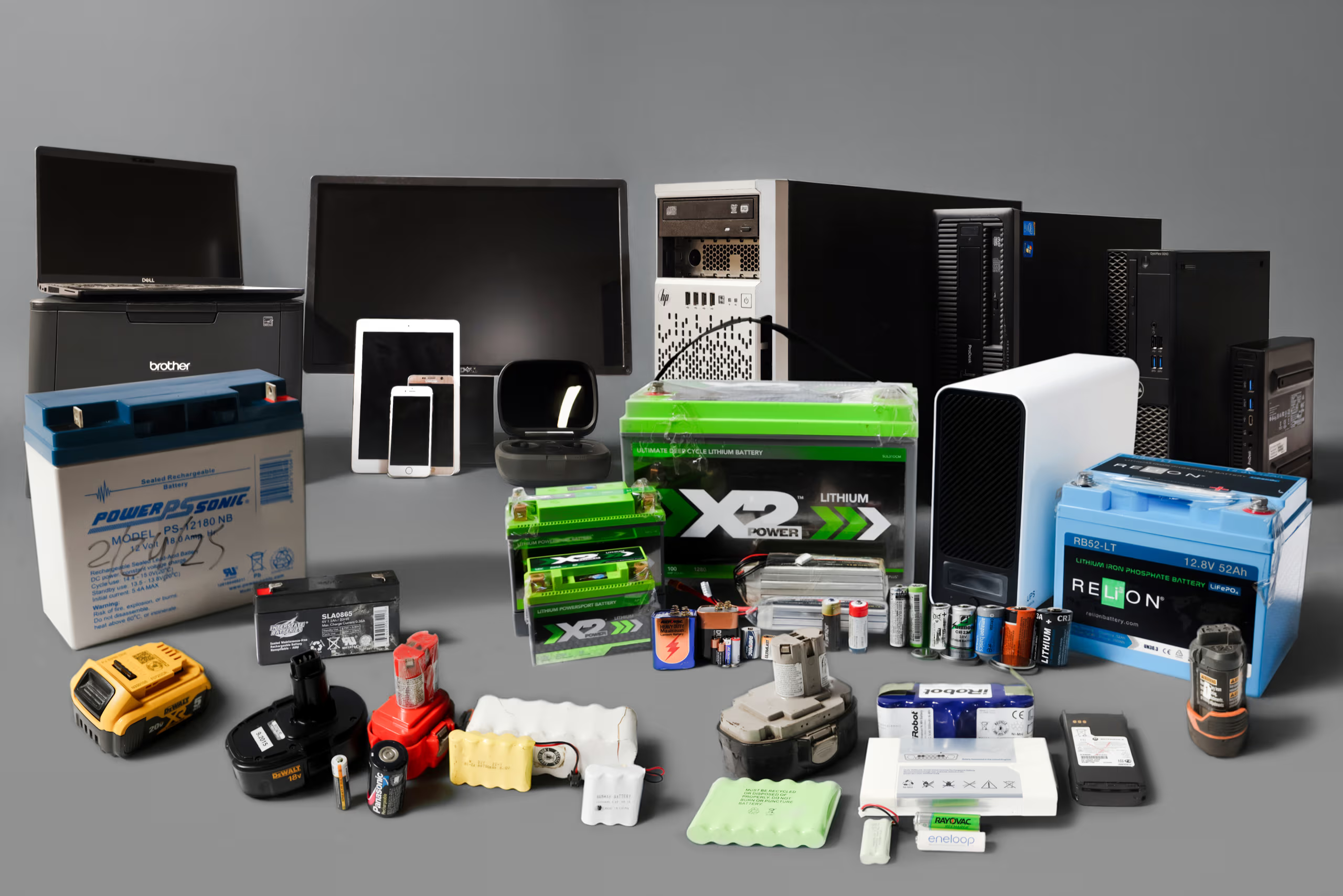

Simplify your compliance and disposal process with bundled recycling services that handle both electronic devices and batteries in one streamlined solution.
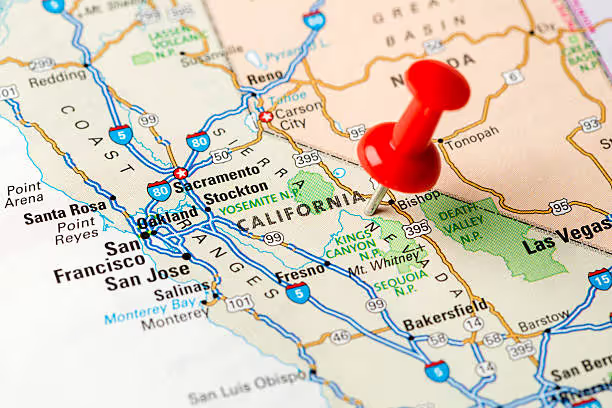
Our scheduled, route-based pickups cover all major regions of California—ensuring efficient, on-time service no matter where you operate.
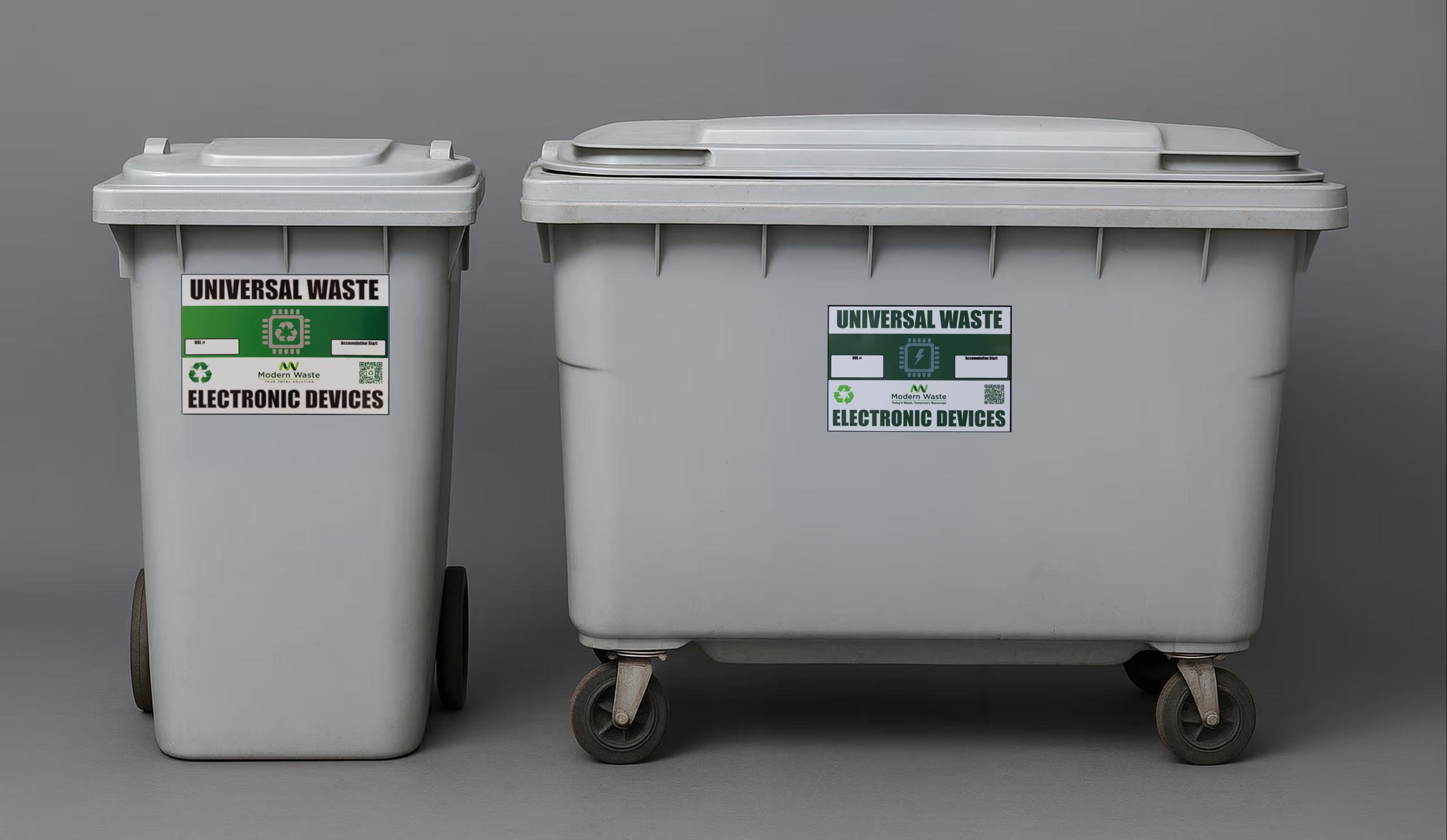
We provide clearly labeled, tamper-resistant containers to ensure safe and compliant collection of electronic waste and batteries at your location.

Modern Waste Solutions has served businesses and communities across California with dependable, environmentally responsible recycling solutions for over two decades.
We adhere to all California and federal regulations, ensuring your electronic and battery waste is managed with complete transparency and environmental responsibility.

Reviews
A little bit off the beaten track in Natomas, but Modern Waste quickly and efficiently helped me recycle my broken Lithium Iron Phosphate batteries at a reasonable $/lb fee (Sac county e-waste will not accept these items). Ramiro and Vincent were very friendly and helpful.

Chris was awesome! He came in and picked up all of the e-waste we had ready for him. He was polite and professional throughout the entire process. He handled the equipment with care, including the site equipment that was already in place. I am very happy with his service and appreciate the great job he did.

Aaron and Vincent were awesome, excellent customer service!

Great guys, excellent customer service, highly recommend!

Polite, quick and easy.

Chris from modern waste was the most outstanding respectful person I ever met my life when he was done he offered to sweep the floors. He offered so much even though he was limited on time he went out of his way and he’s over beyond best guy I ever met thank you so much for your service services Dan ITG.

Data center decommissioning is a controlled change project that retires workloads, infrastructure, and records without interrupting systems that must remain live. Here is the full process, from go/no-go to final reconciliation.
A mature ITAD program connects asset ownership, data security, environmental compliance, logistics, financial recovery, and reconciliation. Here is how the process works, what it costs, and how to evaluate a provider.
IT equipment liquidation converts marketable retired assets into documented financial recovery while routing nonmarketable equipment to responsible recycling. Here is how to decide which path fits each asset.